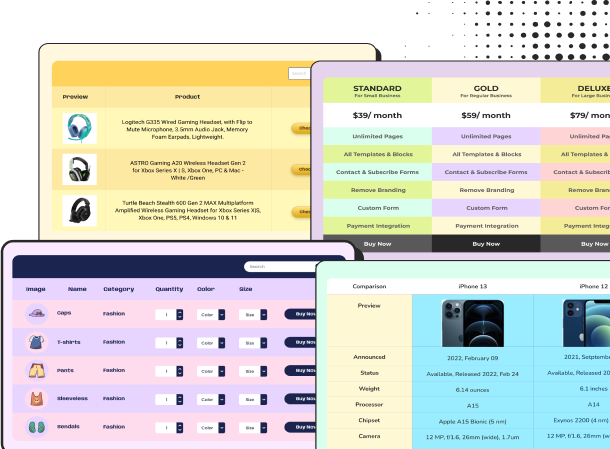
Black Friday & Cyber Monday Pricing Table
Celebrate Black Friday with the Best Pricing Plan Get a Flat 40% Off on All Plans | ||
Most popular | ||
Starter $33 $19 / month Everything you need to get going. | Professional $83 $49 / month For growing teams that ship often. | Business $165 $99 / month Control and scale for larger teams. |
5 projects | Unlimited projects | Unlimited projects |
10 GB storage | 100 GB storage | 1 TB storage |
Email support | Priority support | Dedicated manager |
Basic analytics | Advanced analytics | Custom reports |
Black Friday Pricing Table
Promote your Black Friday and Cyber Monday deals with this Black Friday Pricing Table, designed to showcase discounted pricing plans and special offers in an attractive, easy-to-understand layout. Display multiple pricing tiers with original and discounted prices, plan descriptions, included features, and customizable CTA buttons to help visitors compare offers and choose the right deal.
The promotional banner at the top makes it easy to highlight your Black Friday discount and create a sense of urgency around your offers.
This Black Friday pricing template is ideal for SaaS companies, software businesses, WordPress plugin developers, digital agencies, hosting providers, subscription-based businesses, and online service providers running seasonal promotions. Businesses can use it to announce limited-time discounts, highlight their most popular plans, communicate savings, and drive more purchases during Black Friday and Cyber Monday campaigns.
With Ninja Tables, you can easily customize plan details, pricing, discount messages, colors, features, and button text and links to match your campaign. You can also adjust the layout and styling to create a responsive pricing table that looks great across different screen sizes.
How to use this Black Friday Cyber Monday table:
The layout is fully customizable using Ninja Tables, allowing you to easily modify product specs, pricing, images, links, and call-to-action buttons. Just follow these steps to utilize this comparison tool fully:
- Install and activate Ninja Tables on your WordPress dashboard.
- Go to Ninja Tables → Tables → Import Table.
- Select the JSON file, and in the import format section, choose: Exported From Drag and Drop.
- Click on the Import button and wait for the confirmation message.
After getting the success message, you can edit your table as you wish. Add or remove columns, rows, and features. Change the colors, fonts, and styles.
When you are done, save your table and copy the shortcode to your clipboard. You can paste it on any page or post where you want to display the table. Enjoy!
***This table may include some Pro features. Get Ninja Tables Pro for all-access fun!
You May Also Like
-
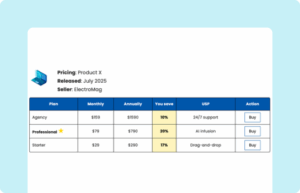
Horizontal Pricing Table
Show product pricing, saving, and other details in horizontal data table.
-
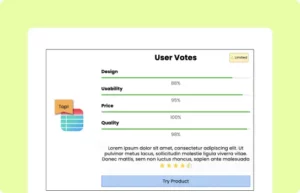
Product Rating Box
Show user ratings on products with features, percentage, description, etc.
-

Product Review Table
Use this simple and short review table for any product.
Craft Responsive Data Tables Fast!
Ninja Tables is the best table plugin to show data in an organized table format.