Olympic Medal Table by Country
| Country |  |  |  | Medals Combined | Notable Athletes |
|---|---|---|---|---|---|
USA 🇺🇸 | 1,219 | 1,000 | 876 | 3,095 |
|
Russia 🇷🇺 (incl. USSR etc.) | 747 | 635 | 627 | 2,008 |
|
Germany 🇩🇪 (incl. FRG/GDR/EUA) | 613 | 624 | 617 | 1,854 |
|
Great Britain 🇬🇧 | 310 | 344 | 360 | 1,014 |
|
China 🇨🇳 | 325 | 258 | 221 | 804 |
|
France 🇫🇷 | 281 | 319 | 354 | 954 |
|
| 271 | 232 | 284 | 799 |
| |
Sweden 🇸🇪 | 216 | 232 | 243 | 691 |
|
Norway 🇳🇴 | 213 | 187 | 177 | 577 |
|
Japan 🇯🇵 | 206 | 191 | 221 | 618 |
|
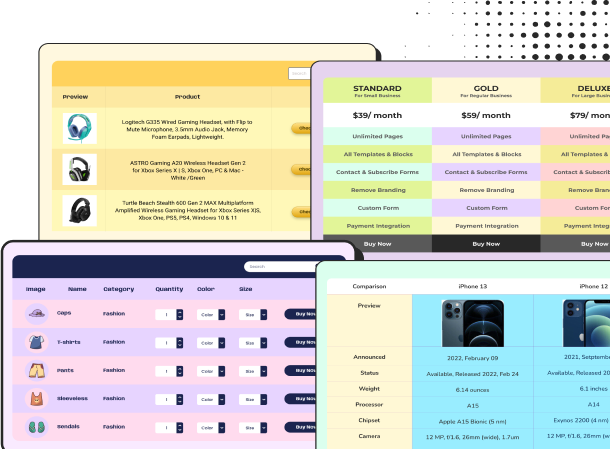
Olympics are the most interesting sports season. Summer Olympics or Winter Olympics both are exciting and sports lovers look forward to them. With an Olympic medal table, you can keep records of top 10 countries that won gold, silver, or bronze. Also track history, compare greatness, present Olympic achievements with clarity in customizable tables. If you run a sports portal or news website, this table is for you.
The Olympic Medal Records Template is designed to help you display and organize all-time Olympic medal standings in a clean, structured, and data-driven format.
This template is customizable so you can update anytime you want. Update with Winter Olympics or Summer Olympics data using the same table multiple times.
How to use this all-time Olympic medal table template:
This table is easy to use and customize like all our templates.
Here are the steps:
- Install and activate Ninja Tables on your WordPress dashboard
- Go to Ninja Tables → Tables → Import Table
- Select the JSON file and in the import format section choose: JSON- Exported From Ninja Tables
- Click on the Import button and wait for the confirmation message
- Replace table IDs in Custom CSS/JS tab with your auto-generated table ID to get the same table
After getting the success message, you can edit your table as you wish. Add or remove columns, rows, and features. Change the colors, fonts, and styles.
When you are done, copy the shortcode to your clipboard. You can paste it on any page or post where you want to display the table. Enjoy!
***This table may include some Pro features. Get Ninja Tables Pro for all-access fun!
You May Also Like
-
Amazon Product Table
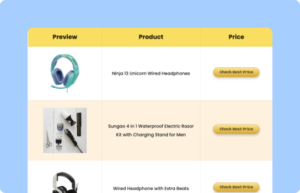
Showcase products in a customized table for your business.
-
Feature Comparison Table
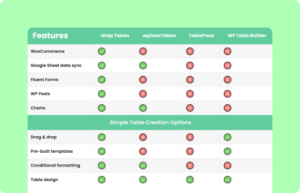
Simply download and customize feature comparison table to suit your needs.
-
Soccer Championship Table
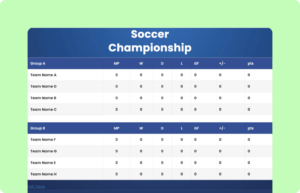
Customize this soccer championship table and showcase scroes list.
Craft Responsive Data Tables Fast!
Ninja Tables is the best table plugin to show data in an organized table format.