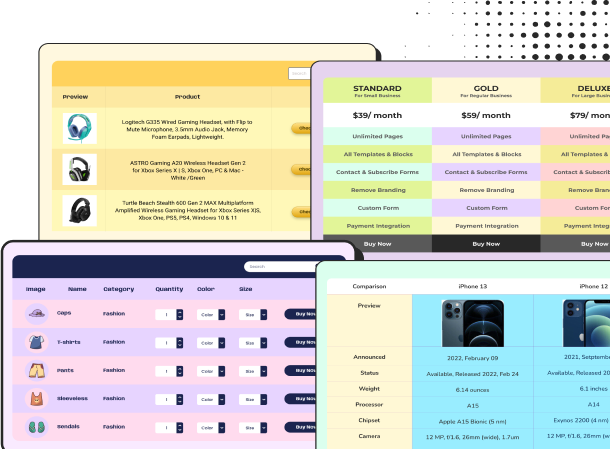
Web Hosting Plans Comparison
Feature | Starter | Business | Best Value Professional | Enterprise |
Price / Month | $3.99 | $6.99 | $10.99 | $19.99 |
Websites | 1 | 5 | 20 | Unlimited |
Storage | 10 GB SSD | 30 GB SSD | 75 GB SSD | 150 GB SSD |
Bandwidth | 100 GB | Unlimited | Unlimited | Unlimited |
Free SSL | ||||
Free Domain | — | |||
Email Accounts | 5 | 25 | 100 | Unlimited |
Daily Backups | — | |||
CDN | — | |||
Priority Support | — | — | ||
Free Migration | — | |||
Best For | Personal Sites | Small Businesses | Growing Websites | Large Businesses |
Action |
Web Hosting Plans Comparison Table
Compare hosting plans at a glance with this Web Hosting Plans Comparison Table, designed to help visitors quickly evaluate pricing, storage, bandwidth, websites, SSL, domains, backups, CDN, support, and other essential hosting features. The side-by-side layout makes it easier for potential customers to understand what each plan offers and choose the one that best fits their needs.
This hosting comparison table is ideal for web hosting providers, WordPress hosting companies, SaaS businesses, IT service providers, web development agencies, and affiliate websites that want to showcase multiple hosting packages clearly. Businesses can highlight their recommended or best-value plan, reduce decision-making friction, and guide visitors directly toward purchasing or signing up through customizable CTA buttons.
The table combines alternating row colors, checkmark icons, clear pricing, a Best Value badge, structured feature rows, and customizable CTA buttons to create a clean visual hierarchy. With Ninja Tables, you can easily customize the plans, pricing, features, colors, buttons, links, and styling to match your brand, while keeping the table responsive and easy to navigate across devices.
How to use the web hosting plans comparison table:
The layout is fully customizable using Ninja Tables, allowing you to easily modify product specs, pricing, images, links, and call-to-action buttons. Just follow these steps to utilize this comparison tool fully:
- Install and activate Ninja Tables on your WordPress dashboard.
- Go to Ninja Tables → Tables → Import Table.
- Select the JSON file and in the import format section choose: JSON- Exported From Ninja Tables Drag and Drop.
- Click on the Import button and wait for the confirmation message.
After getting the success message, you can edit your table as you wish. Add or remove columns, rows, and features. Change the colors, fonts, and styles.
When you are done, save your table and copy the shortcode to your clipboard. You can paste it on any page or post where you want to display the table. Enjoy!
***This table may include some Pro features. Get Ninja Tables Pro for all-access fun!
***This table may include some Pro features. Get Ninja Tables Pro for all-access fun!
You May Also Like
-
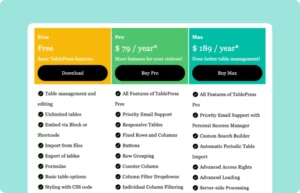
TablePress Pricing Table
Customize this table to create a pricing table like TablePress.
-
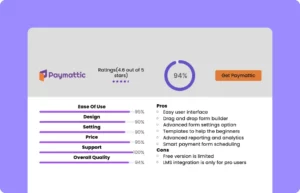
Paymattic Review Table
Customize this Paymattic review table and show your product.
-
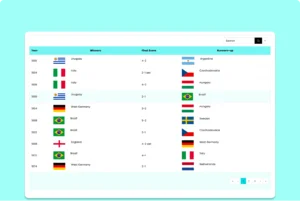
FIFA World Cup Winners Table
Show every FIFA World Cup champion in one searchable historical table.
Craft Responsive Data Tables Fast!
Ninja Tables is the best table plugin to show data in an organized table format.