

How to Create an Employee Directory Template on WordPress
Create a searchable employee directory template on WordPress in minutes. No plugin overload, no code, just a clean directory your team can actually use.
Unleash the power of Data Visualization! Explore techniques, tools, and insights to transform complex data into compelling visual stories. Enhance your understanding and communication.

Create a searchable employee directory template on WordPress in minutes. No plugin overload, no code, just a clean directory your team can actually use.

Learn how to make a bar chart in WordPress with Ninja Tables: pick your data, choose bar type, then format and embed; no coding needed.

Line graph vs bar graph: learn the basics, the key differences, when to use each one, and how to build both with Ninja Tables without any design skills.

Research from Gartner shows that B2B buyers complete 57% of their purchase decision before ever contacting a vendor. For consumer…
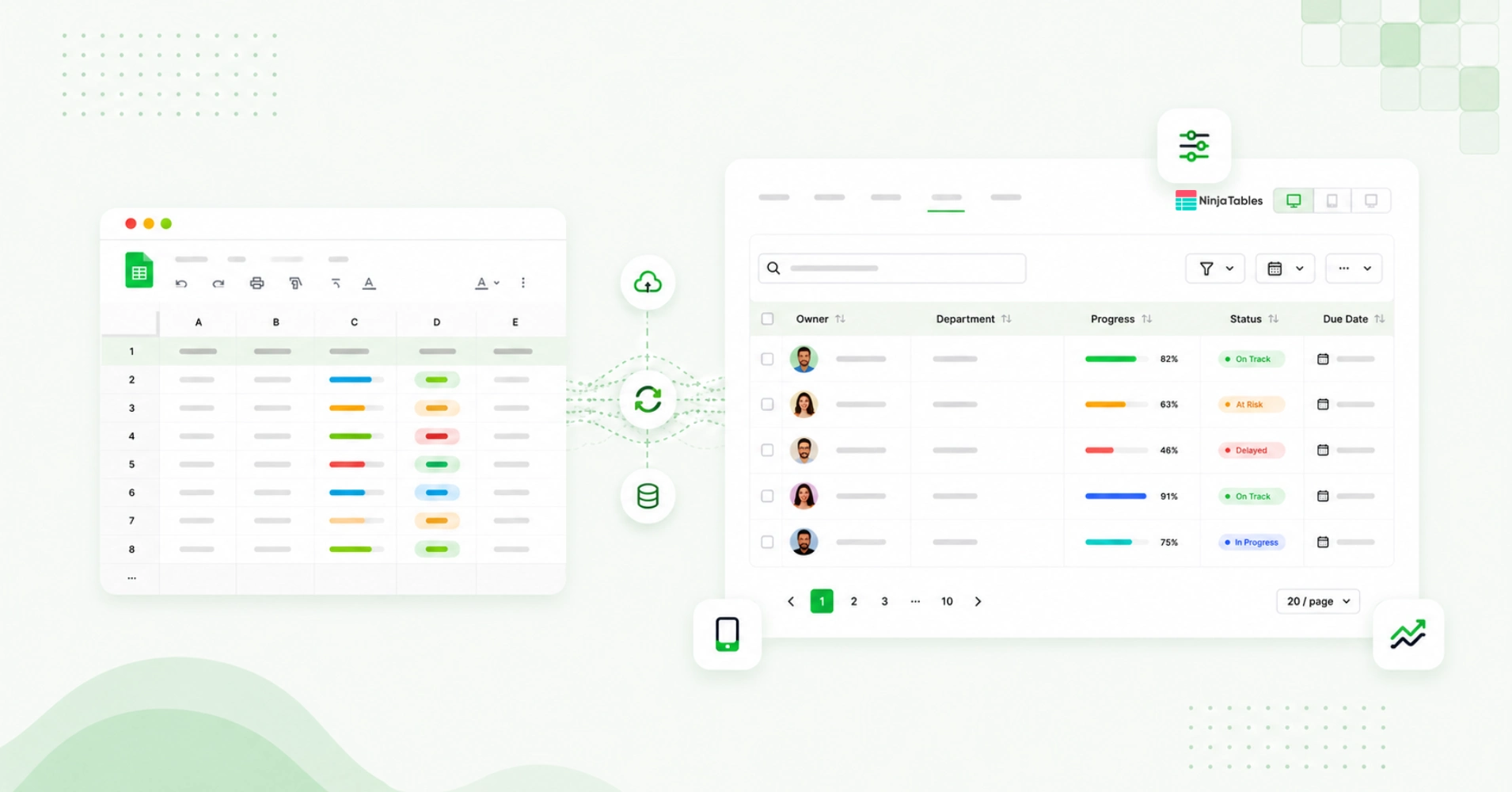
Your data already lives in Google Sheets. The problem is turning it into something people can actually use. A spreadsheet…

You switched to a server-side rendering plugin. Page load improved. But sort still drags. Filtering still pauses. Something is still…

The default WordPress table block has no sorting, no filtering, no pagination, and no mechanism for handling data beyond what…

The original idea behind big data was simple: collect more, decide better. What nobody fully predicted was how differently every…

Data tables look simple until they scale. The moment a grid crosses a few hundred rows, spans a dozen columns,…

Most WordPress table plugins work beautifully until the data gets serious. Five hundred rows feel fine. Five thousand rows or…