
Best Big Data Table Plugins for WordPress in 2026


The default WordPress table block has no sorting, no filtering, no pagination, and no mechanism for handling data beyond what fits comfortably on one screen. For small static tables, that is rarely a problem. For anyone trying to display thousands of rows of product data, financial records, research datasets, or member directories, it falls apart immediately.
The question most WordPress users ask at that point is: which plugin actually handles this? The market has several answers, but “large dataset support” is a phrase that appears in plugin descriptions without a consistent meaning. What follows is a fact-based breakdown of the main big data table plugin options for WordPress in 2026, what each one genuinely offers, and what Ninja Tables specifically makes possible that changes the calculation for most WordPress users
TL;DR
- A big data table plugin for WordPress needs server-side processing: the database handles queries, and the browser receives only the current page of results
- Ninja Tables introduced the DataTables rendering engine with native server-side AJAX processing, chunk-based CSV import, and full compatibility with all existing Ninja Tables styling and features, covering standard and large data use cases in one plugin
- wpDataTables has strong server-side support for MySQL database-connected tables and is well-established for organizations working directly with database sources
- TablePress Max supports server-side processing at the highest plan tier, tested at 32,000+ rows in the official documentation
What a Big Data Table Plugin Actually Is
A big data table plugin for WordPress is one whose architecture can display and respond to datasets large enough to break browser-side rendering. In practical terms, that threshold starts around 5,000 to 10,000 rows for most shared hosting environments and moves lower when columns are dense, data types are mixed, or users are expected to filter and sort actively.
The root cause is almost always the same: the plugin is doing its work in the browser instead of the database.
Standard WordPress table plugins load every row into the browser on page load. JavaScript then handles all sorting, filtering, and pagination locally. At 200 rows, the browser barely notices. At 20,000 rows, it is holding a dataset in memory and running every user interaction against the full thing; every keypress in the search box, every column sort, every page turn. That is not what browsers are built for, and the performance shows it.
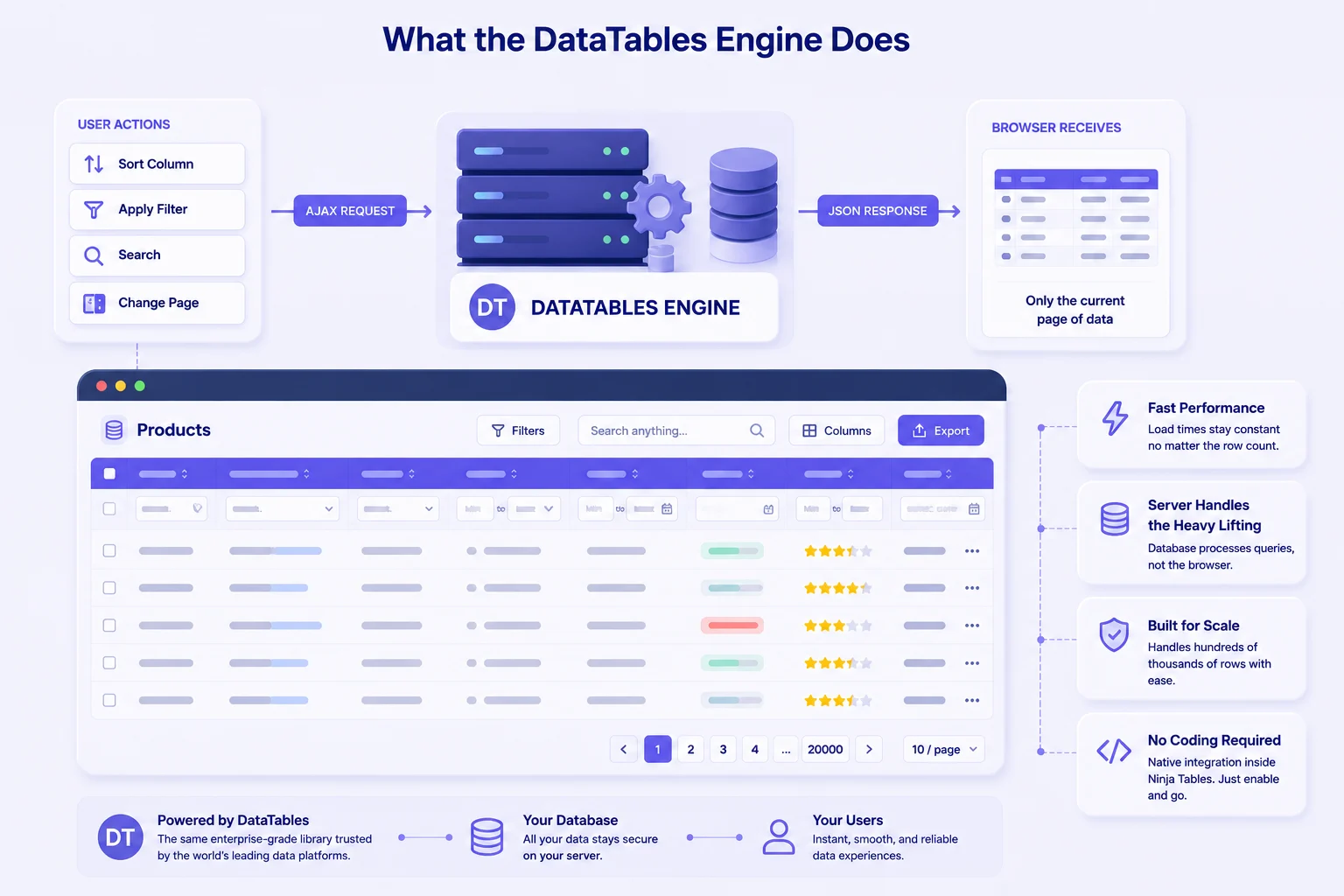
The fix is server-side processing. Instead of sending everything to the browser at once, the server sends only the rows the user is currently looking at. When they sort a column or apply a filter, that request goes to the database, which processes it and returns only the matching page of results. The browser’s load stays constant whether the table has 500,000 rows or even millions. That is the architectural difference that separates a genuine big data table plugin from one that only appears to handle large data.
There is a second problem that often shows up before the display issue does: the import. Loading millions of data into WordPress through a standard single-pass import means the entire file has to sit in PHP memory before a single row is written to the database. Shared hosting plans typically hit their memory limit or max execution time before that completes. A chunk-based import, which reads and writes the file in sequential batches rather than all at once, is what makes large file imports reliable without needing to touch server settings.
Ninja Tables: Built for Big Data
Ninja Tables has a long track record as a standard-purpose WordPress table plugin. Agencies use it for client sites. WooCommerce store owners use it for product displays. Bloggers use it for comparison tables and pricing grids. The interface is visual, setup is fast, and non-developers manage their own tables without developer help.
Version 5.2.8, released in April 2026, added crossed into big data territory for organizations working with heavy data: the DataTables rendering engine with native server-side AJAX processing.
What the DataTables engine does
When you select the DataTables rendering engine for a table, all interactions shift to the server. Sorting a column, applying a filter, searching, and moving between pages: each of these sends an AJAX request to the server, the database returns only the rows matching the current view, and the browser renders the response. The full dataset never lives in the browser. A table with 200,000 rows loads its first page at the same speed as one with 200 rows, because the browser is doing the same amount of work in both cases.
This is the same DataTables library used in enterprise data grids across industries. Ninja Tables integrates it natively, which means you configure it through the same Ninja Tables interface you already use. No need for custom PHP, manual initialization, or AJAX handler to write.
The DataTables engine is opt-in per table. Tables you already have continue working exactly as before. You activate the engine only on the tables where data volume makes it necessary.
Enterprise CSV imports: The hard truth
One of the most common points of failure for WordPress users dealing with large datasets is the import. Getting 50,000 rows into a table through a standard plugin import means loading the entire file into PHP memory at once. On most shared hosting plans, that fails.
Ninja Tables 5.2.8 includes chunk-based CSV import specifically to address this. The file is read and written to the database in sequential batches. Memory usage stays stable throughout the process, and the import completes reliably on standard hosting environments without requiring custom server configuration or elevated PHP limits.
After import, all standard Ninja Tables features apply: your styling options, column controls, filter setup, and display preferences work with the imported data exactly as they would with any other table.
Picking the right plugin for your use case
WooCommerce product catalog at scale. A store with 20,000 to 100,000 products needs tables that respond instantly when customers filter by category, price range, or specification. Client-side rendering at that scale produces a poor experience. With the DataTables engine active, filters run against the database, and the table responds fast regardless of catalog size. The WooCommerce and Ninja Tables integration guide covers the setup.
Public data directories and research datasets. Universities, nonprofits, government agencies, and research organizations publish large structured datasets for public access. Users need to search, filter, and sometimes export. With server-side processing, a directory of 80,000 records behaves the same as one with 800. For the engineering considerations behind this, the enterprise-scale tables in WordPress guide goes deeper.
Financial and operational reporting tables. Finance teams publishing dashboards or transaction logs inside WordPress need data that is current and fast under real usage. Chunk-based import means updating a 100,000-row dataset is a file upload, not a development task.
Member and customer directories. Membership organizations with large databases need front-facing search and filter for their members. A properly configured Ninja Tables DataTables table gives visitors a fast, filterable directory that the site owner controls through the plugin interface.
Get table templates for free
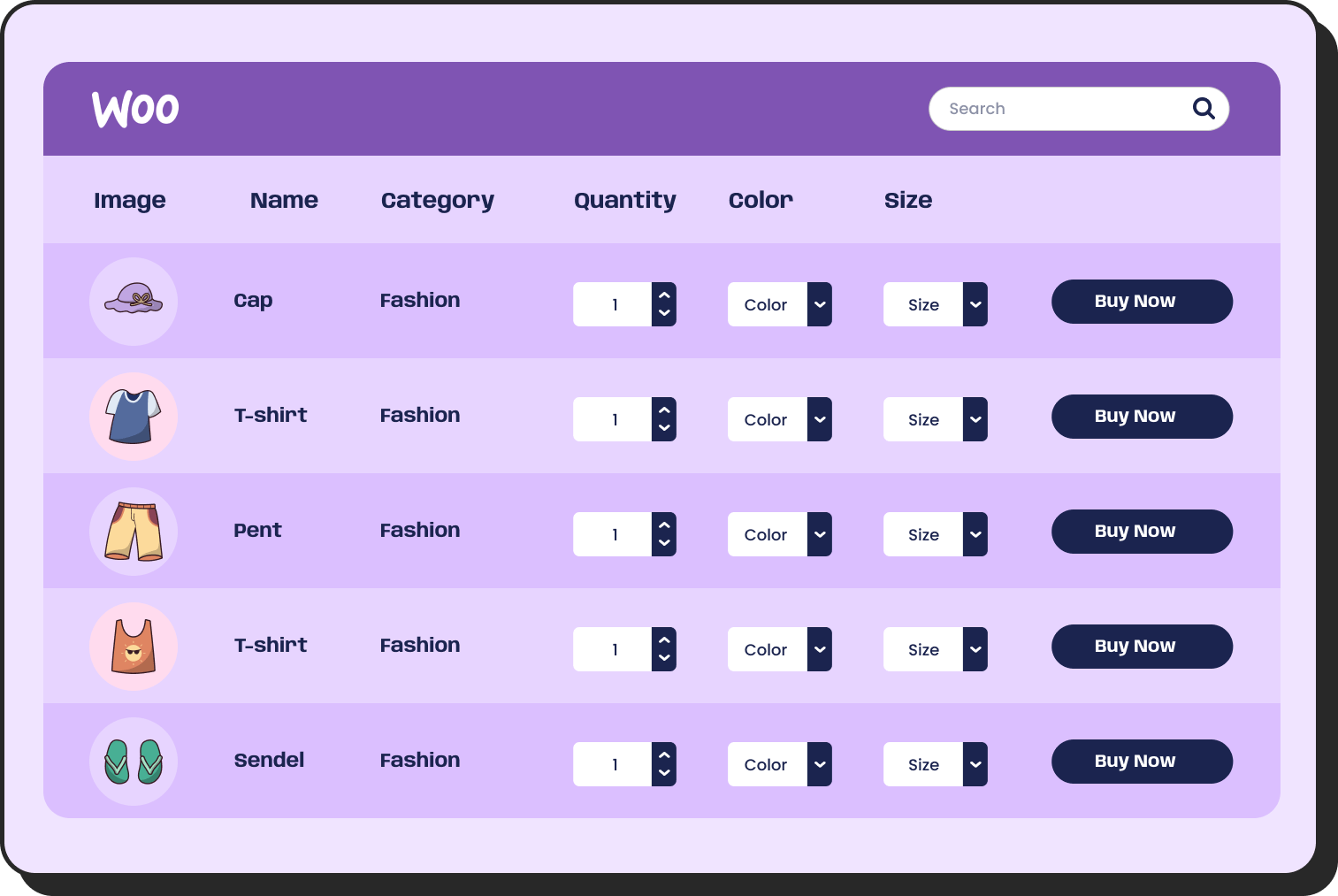
WooCommerce
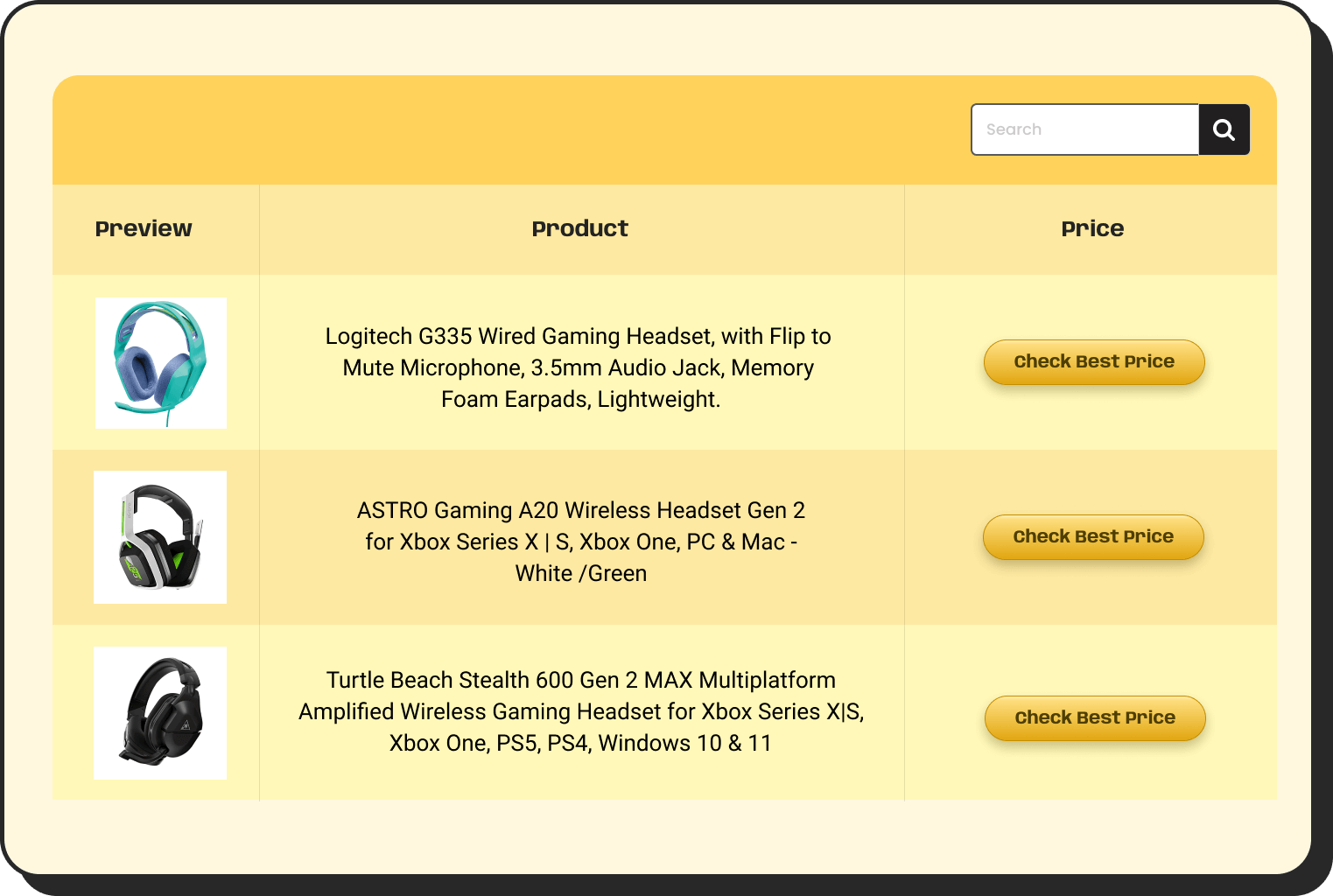
Amazon Products
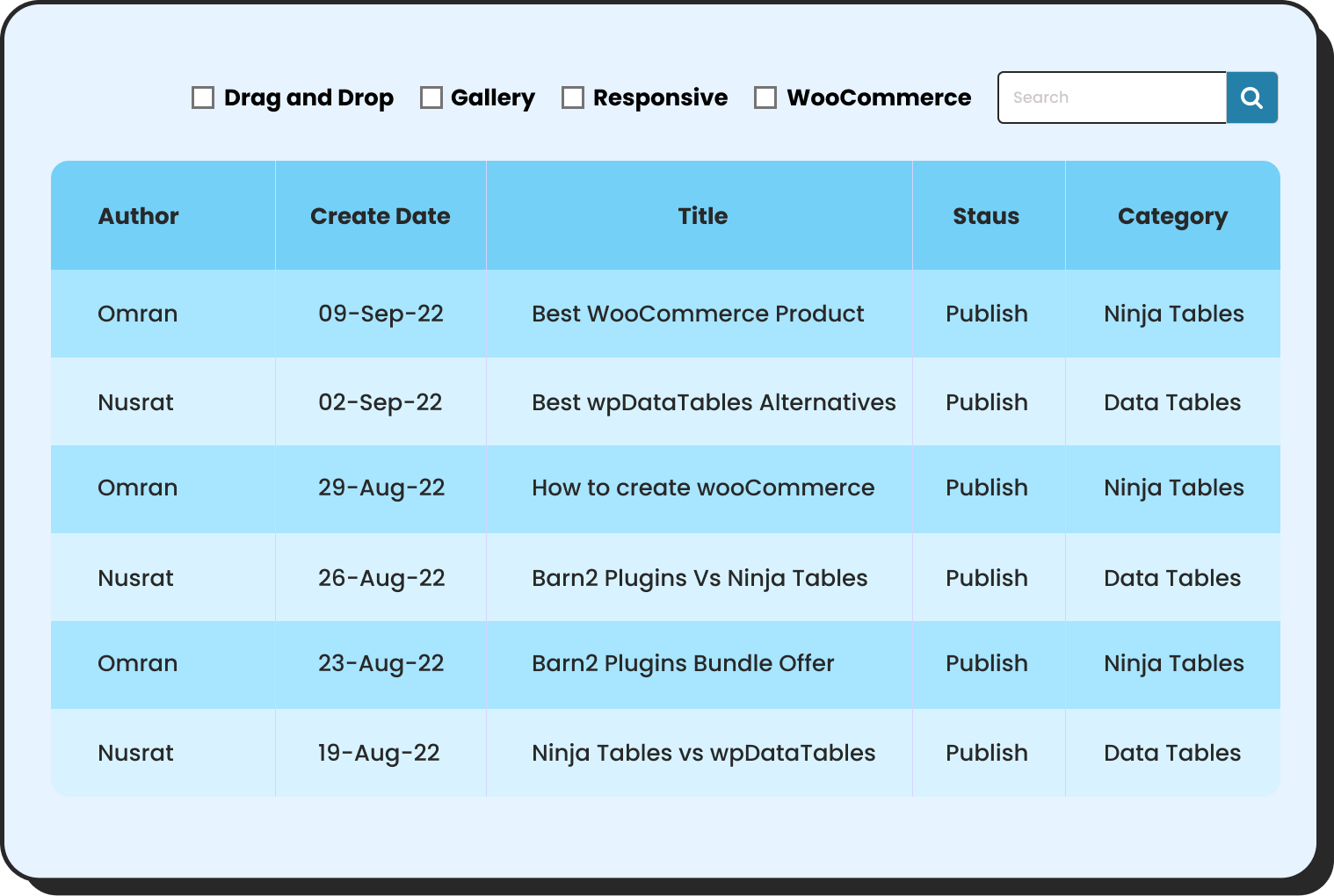
WP Posts
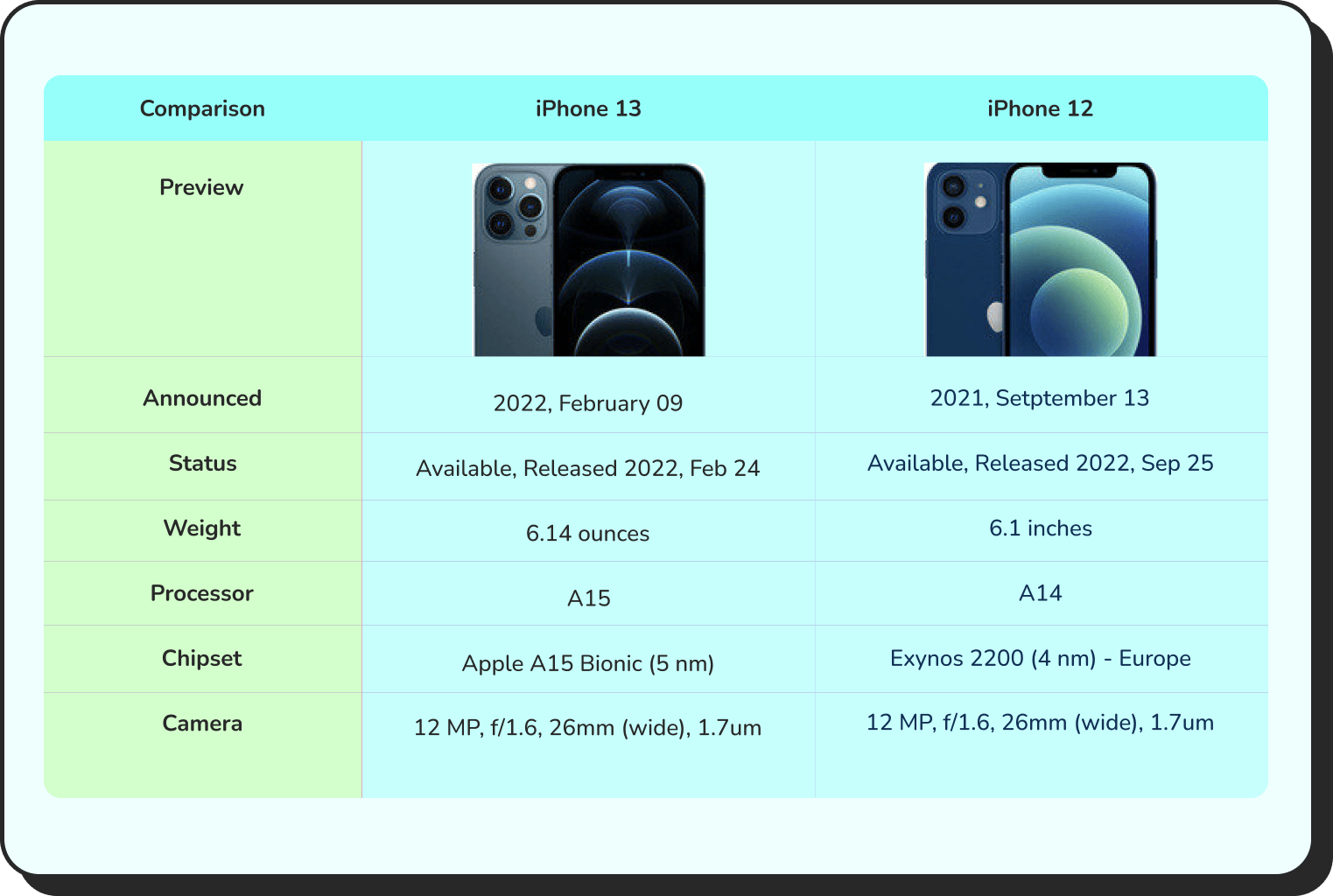
Products Comparison

Pricing Table
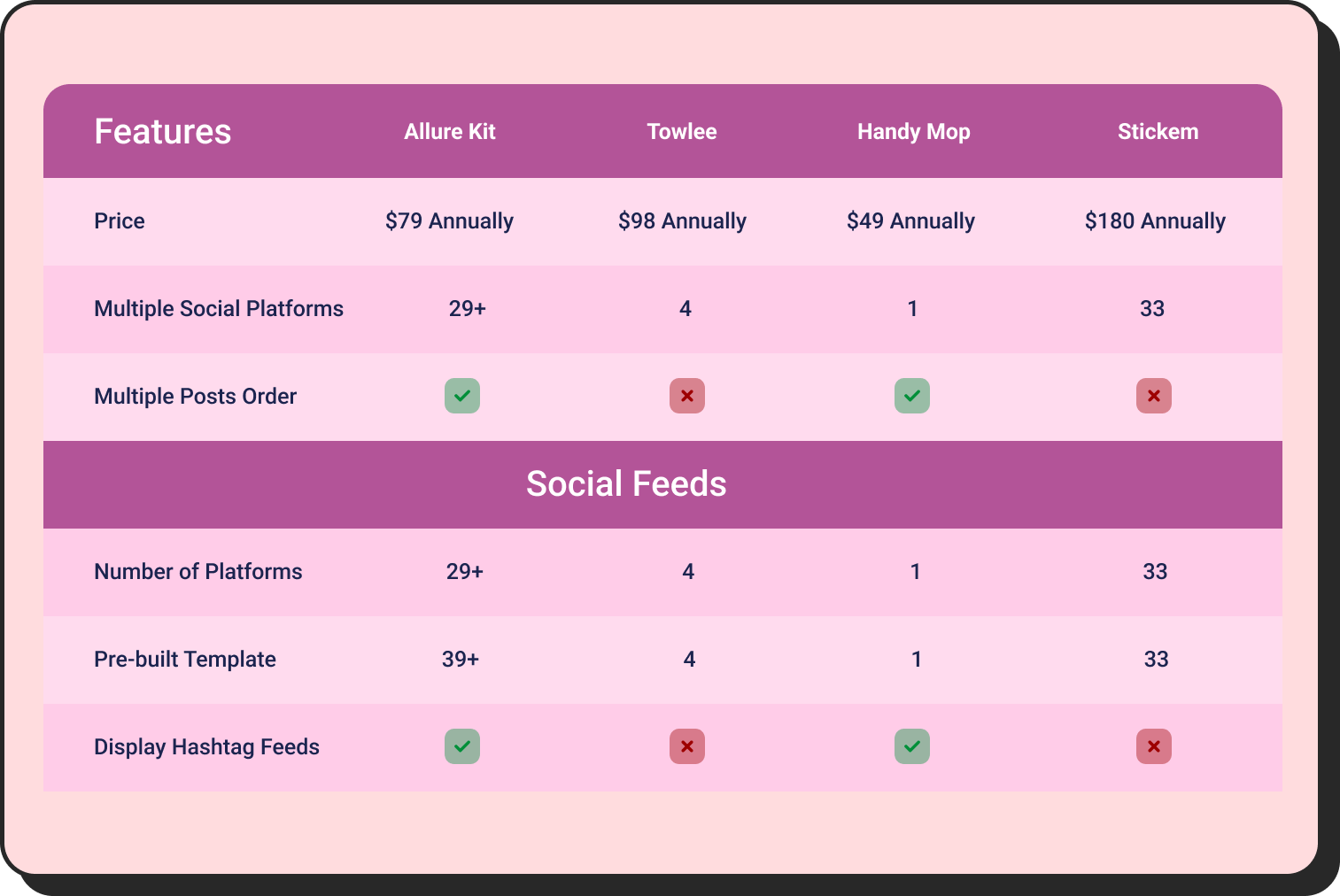
Features Comparison
How Other Options Compare
Let’s see how other WordPress table plugins hold their ground compared to Ninja Tables.
wpDataTables
wpDataTables is the longest-established specialist data plugin in the WordPress table space. It connects directly to external sources such as MySQL databases, CSV, Excel, Google Sheets, JSON and renders them as interactive tables and charts. Its server-side processing architecture handles large datasets from database sources with consistent performance, because the database is doing the query work rather than the browser.
The important distinction for anyone evaluating it for big data: server-side processing in wpDataTables applies to MySQL database query sources. Tables built from CSV or Excel files in wpDataTables process client-side. If your data lives in a database you can query directly, wpDataTables is a genuinely strong fit. If your large data arrives as file exports, the server-side benefit does not apply to those sources.
Users working with complex database-driven data have noted its depth: “There are many simple table solutions for WP, but if it gets more complex, this plugin is the only one that is flexible, stable, and lightweight.” It also covers chart generation across four chart engines, conditional formatting, and inline editing — capabilities that go beyond table display into broader data visualization. The Ninja Tables vs wpDataTables comparison covers the full feature breakdown.
TablePress
TablePress is the most widely installed WordPress table plugin by a large margin. Its free version is capable, well-documented, and the default recommendation in most WordPress communities for static tables. Server-side processing is available in the Max plan, demonstrated in official documentation with a 32,000+ row live table showing fast sorting and filtering. The Max plan also includes Advanced Loading, a JSON-based mechanism that improves initial load for large tables even below the full server-side threshold.
Server-side processing in TablePress Max requires the highest plan tier. For teams already in the TablePress setup who need to scale, it is a natural extension. For teams starting fresh and evaluating specifically for large data support, the price point for that capability is higher than alternatives. The Ninja Tables vs TablePress comparison lays out the full feature and pricing breakdown.
WP Table Builder
WP Table Builder is a visual drag-and-drop plugin built for presentation tables: pricing comparisons, feature grids, and structured layouts where a designer controls the table element by element. It handles that use case well.
It is not built for large dataset display and does not include server-side processing or large file import. If displaying many thousands of rows is the requirement, WP Table Builder is outside the scope of the task, regardless of the plan.
How to choose
Two questions settle this for most people.
Where does your data come from? MySQL database with direct query access points toward wpDataTables. CSV exports, file uploads, WooCommerce product data, or Google Sheets connections point toward Ninja Tables with the DataTables engine, where server-side processing applies regardless of source format after import.
What else does the table need to do? Chart generation alongside tabular display is a Ninja Tables functionality. Styling flexibility, WooCommerce integration, Google Sheets sync, and the ability to manage all table types, standard and high-volume, in one interface are where Ninja Tables covers more ground.
For the broader question of whether a WordPress table is even the right structure for a given dataset, the guide on big data tables in WordPress covers the diagnosis clearly.
Wrapping up
Choosing a big data table plugin comes down to one honest question: Does the plugin keep the data in the database or push it into the browser? Every performance problem with large WordPress tables traces back to that single decision made at the ground level. Most WordPress sites outgrow their table plugin before they realize it is happening. The data grows, the page slows, the import fails, and the search for something better starts.
Ninja Tables with the DataTables engine is built for exactly that moment. No custom code. No separate specialist tool. The same plugin manages every table on the site, at any scale. That is a rare combination in the WordPress table plugin space, and it is worth trying.
Start with the one that matches where your data actually comes from.

Ninja Tables– Easiest Table Plugin in WordPress







Add your first comment to this post