
Enterprise Scale Tables in WordPress: How Ninja Tables Handles Everything


Large enterprises running WordPress hit real walls with their data. A table with 10,000 rows loads slowly. Filters lag. Users wait. IT teams get complaints. That picture is familiar to any developer managing a high-traffic WordPress site with complex data needs.
Most WordPress table plugins work fine — until they don’t. They fall apart at scale. When your team needs live sales dashboards, real-time KPI tracking, or a product catalog with thousands of SKUs, those plugins create more problems than they solve.
Managing large datasets in WordPress can feel like trying to fit a skyscraper into a shoebox. But Ninja Tables was built to handle that kind of load. This article breaks down exactly how it handles enterprise workloads: from server-side processing and live dashboard integrations to security, scalability, and the advanced configurations your dev team actually needs.
If you are evaluating enterprise WordPress table plugin benefits or trying to solve large dataset WordPress table performance issues, this is the deep dive you have been looking for.
Why Large Enterprises Struggle with Tables
Managing enterprise-scale tables in WordPress isn’t just about adding rows. As your dataset grows, traditional table plugins can slow down, causing delays in sorting, filtering, and searching. Multi-user environments add complexity: concurrent edits, live updates, and data integrity become critical concerns. Before getting into solutions, it is worth understanding why handling large tables in WordPress is such a common pain point and why it keeps getting underestimated.
The core problem is data volume. Most WordPress table plugins load all table data at once. When a table has 50 rows, that works. When it has 50,000 rows, the page stalls.
There are other pain points, too. Multi-user access adds strain. When 20 team members all filter and sort a shared table at the same time, basic plugins break down. They were not built for concurrent use at that level.
Data sources also multiply fast in enterprise settings. Your product data might live in another CSV file. Your sales figures come from a CRM management system like Google Sheets. Your inventory sits in there, too. Your lead comes from a form source. Connecting those to a standard WordPress table is either impossible or fragile.
Here are the three most common complaints enterprise teams bring to their developers:
- Pages with large tables take 5 to 15 seconds to load, even on fast servers.
- Sorting or filtering a big dataset causes the browser tab to freeze.
- Pulling data from more than one source requires custom code that breaks on every plugin update.
Enterprise teams need solutions that can handle large datasets efficiently without compromising performance or UX.
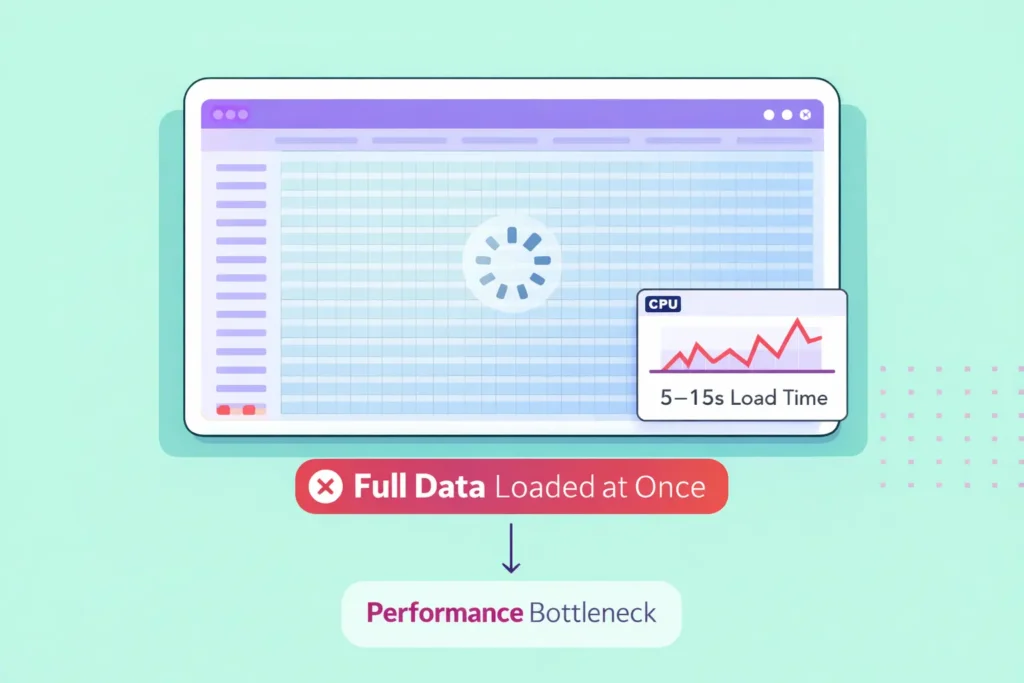
The 10k+ Row Problem
WordPress tables for enterprise reporting often need to handle datasets that would make a standard plugin grind to a halt. Most client-side table plugins load your entire dataset into the browser on page load. That works at 200 rows. At WordPress tables with 10k+ rows, you are sending megabytes of raw data to every visitor’s browser before a single filter or sort can happen.
The result: slow initial load, unresponsive sorting, and a table that locks up under concurrent user access. For an internal sales dashboard or a public-facing product catalog with thousands of SKUs, this is not acceptable.
Slow Load With Standard Plugins
Most standard plugins also fail to optimize WordPress tables for speed because they rely on JavaScript-heavy rendering with no server-side fallback. They generate tables in the DOM after the page loads, which means longer time-to-interactive and poor Core Web Vitals scores — both of which directly affect SEO and user experience.
For enterprise marketing teams and developers who care about page performance, this is a non-starter.
Difficulty Integrating Multiple Data Sources
Enterprise data rarely lives in one place. You might pull inventory from an ERP, leads from a CRM, and campaign numbers from a reporting API — and you need all of it surfaced in a single, cohesive table view. Most WordPress plugins for enterprise reporting options simply do not have the integration architecture to make this work reliably.
Each of these problems has a clear solution in Ninja Tables.
The Key to Enterprise Table Performance
If you are serious about large dataset WordPress table performance, this is the section that matters most.
The Problem with Loading Everything at Once
Standard table plugins send your entire dataset to the browser in one go. Every sort, filter, and search operation then happens in JavaScript, in the user’s browser, against the full dataset. This works fine at small scale. At enterprise scale, it creates massive performance debt — slow initial load, browser memory pressure, and a table that degrades as data grows.
Ninja Tables takes a different approach. Instead of loading everything upfront, it uses AJAX chunk loading combined with smart pagination to deliver only the data needed for the current view. The browser never has to hold your entire dataset at once. Initial load stays fast whether you have 500 rows or 50,000. This approach also reduces server memory use. You pull only what you need at any given moment. Large datasets stay in the database, not in the browser. That means lower memory consumption and faster response times across the board.
This is how Ninja Tables approaches WordPress tables fast sorting, filtering — by keeping initial payloads small, loading data in efficient chunks, and letting users navigate through paginated results without ever waiting for a full dataset dump.
Client-side vs. Server-side: What actually changes
Client-side processing means all your data is sent to the browser upfront. Every sort, filter, and search operation happens in JavaScript, in the user’s browser, against the full dataset. This works fine at small scale. At enterprise scale, it creates massive performance debt.
Server-side processing inverts the model. Only the data needed for the current page view is fetched from the server. When a user sorts a column or applies a filter, the request goes back to the server, which returns only the relevant subset of data. The browser never holds the full dataset. Load times stay consistent whether you have 500 rows or 500,000.
This is how Ninja Tables approaches WordPress tables fast sorting filtering — not by sending less data upfront and hoping JavaScript handles the rest, but by keeping the heavy lifting on the server where it belongs.
AJAX-Powered Tables for Dynamic Enterprise Data
Ninja Tables uses AJAX to handle interactions asynchronously. When a user filters by region, searches for a specific account, or sorts by revenue, the page does not reload. A lightweight AJAX request fetches the matching data, and the table updates in place.
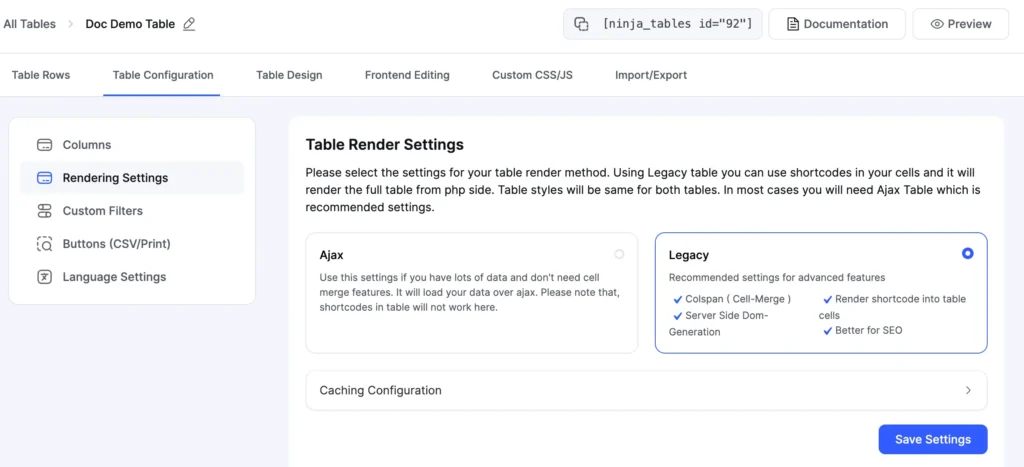
For large WordPress table loading optimization, this architecture is the difference between a table that feels like a real application and one that feels like a spreadsheet embedded in a blog post.
The practical impact for enterprise teams:
- Filtering a 50,000-row product catalog returns results in milliseconds
- Concurrent users do not override each other’s input without permission
- Search is fast, not just fast on small datasets
- Pagination stays snappy regardless of the total row count
You can find detailed configuration options in the Ninja Tables documentation — including how to enable AJAX mode, configure pagination thresholds, and set up table rendering settings for custom data sources.
Connecting Tables to External Data Sources
One of the strongest arguments for Ninja Tables at the enterprise level is how it connects to data that lives outside your WordPress editor. Here is what is natively supported.
Google Sheets
Ninja Tables Pro includes a direct Google Sheets connector. Publish your sheet, paste the link into Ninja Tables, and your table automatically syncs with the spreadsheet data. This is the go-to option for teams that manage data collaboratively without needing database access — marketing ops, finance, ops coordinators, and anyone who lives in a spreadsheet.
Updates to the sheet are reflected in the table without any manual republishing. It is a clean, low-maintenance pipeline for data that changes frequently.
Read this article to learn the whole process of Google Sheets integration in WordPress with real examples & use cases.
External CSV via URL
Beyond Google Sheets, Ninja Tables supports pulling data from any remotely hosted CSV file via a Data Source URL. If your system exports a CSV to a predictable endpoint — an inventory feed, a product list, a reporting export — you can point Ninja Tables at that URL and display the data as a live table.
This approach works well for scheduled data exports from internal tools, keeping the table current without manual uploads.
Custom SQL query
For development teams managing custom database tables, Ninja Tables Pro includes a Custom SQL Query mode. You write the query, Ninja Tables runs it against your WordPress database and renders the results as a fully interactive table — sortable, filterable, paginated.
This is the most powerful native data source option for enterprise use cases. If your data already lives in a custom database table — whether from a custom plugin, an import process, or a purpose-built internal tool — you can surface it directly without any middleware.
Native WordPress Integrations
Ninja Tables also connects natively to several WordPress data sources out of the box:
- Fluent Forms — Display form submission data directly in a table, with filtering and search
- WooCommerce — Build product tables from your WooCommerce catalog, including variations, stock status, and ratings
- FluentCart — Display FluentCart products in customized, styled tables
- WP Posts / Custom Post Types — Surface any post type — posts, pages, custom types — in tabular format with dynamic columns
Want your store data and spreadsheets talking to each other? This guide walks you through connecting WooCommerce, Google Sheets, and other tools directly with Ninja Tables.
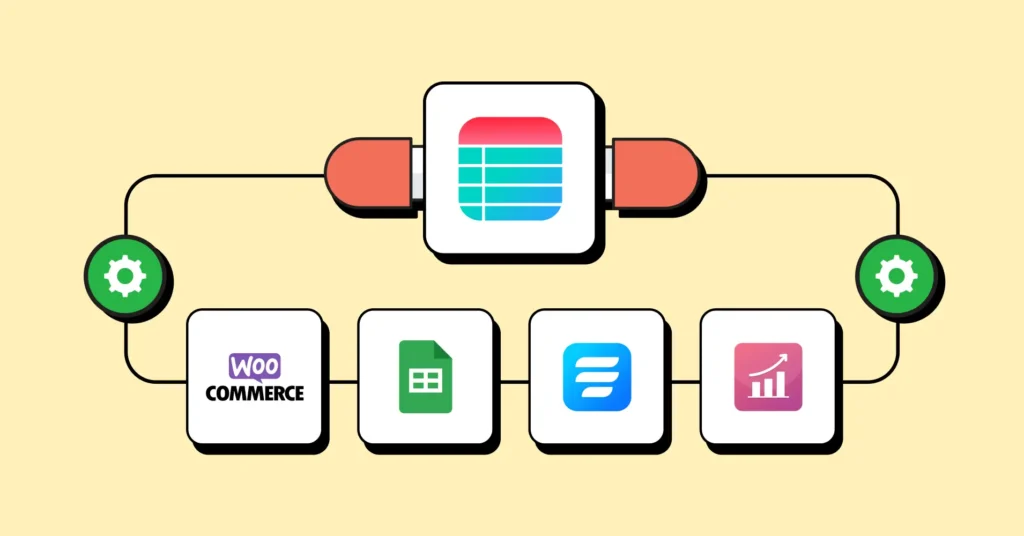
These integrations are built into the plugin. No additional setup beyond connecting the data source.
Creating Real-Time Dashboards with Ninja Tables
Abstract capabilities only matter when they translate into real workflows. Here are the concrete enterprise WordPress tables scenarios where Ninja Tables earns its place.
Enterprise Use Cases for Live Dashboards
Sales dashboards: Display pipeline by region, rep, or product line. Filter by quarter. Sort by deal size. Share a view with VP-level stakeholders without giving them backend access.
KPI reporting: Pull metrics from your data sources into a live table view. Marketing, ops, and finance can each have their own filtered version of the same underlying dataset.
Campaign tracking: Surface impressions, clicks, conversions, and cost-per-lead in a dynamic table connected to your reporting data, updating as campaigns run.
For teams, explore Ninja Tables’ free templates to make your work easier!
Get table templates for free
WooCommerce
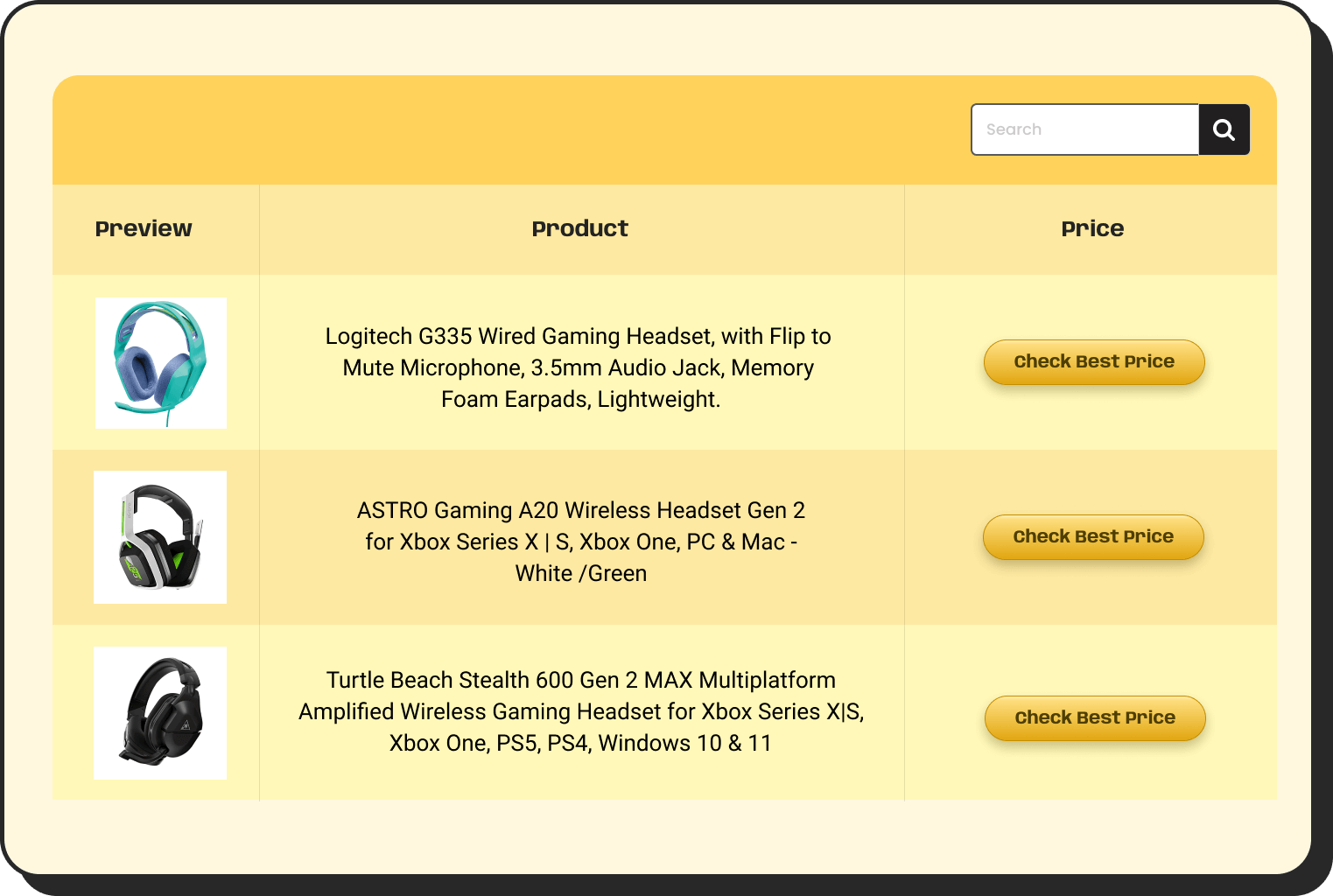
Amazon Products
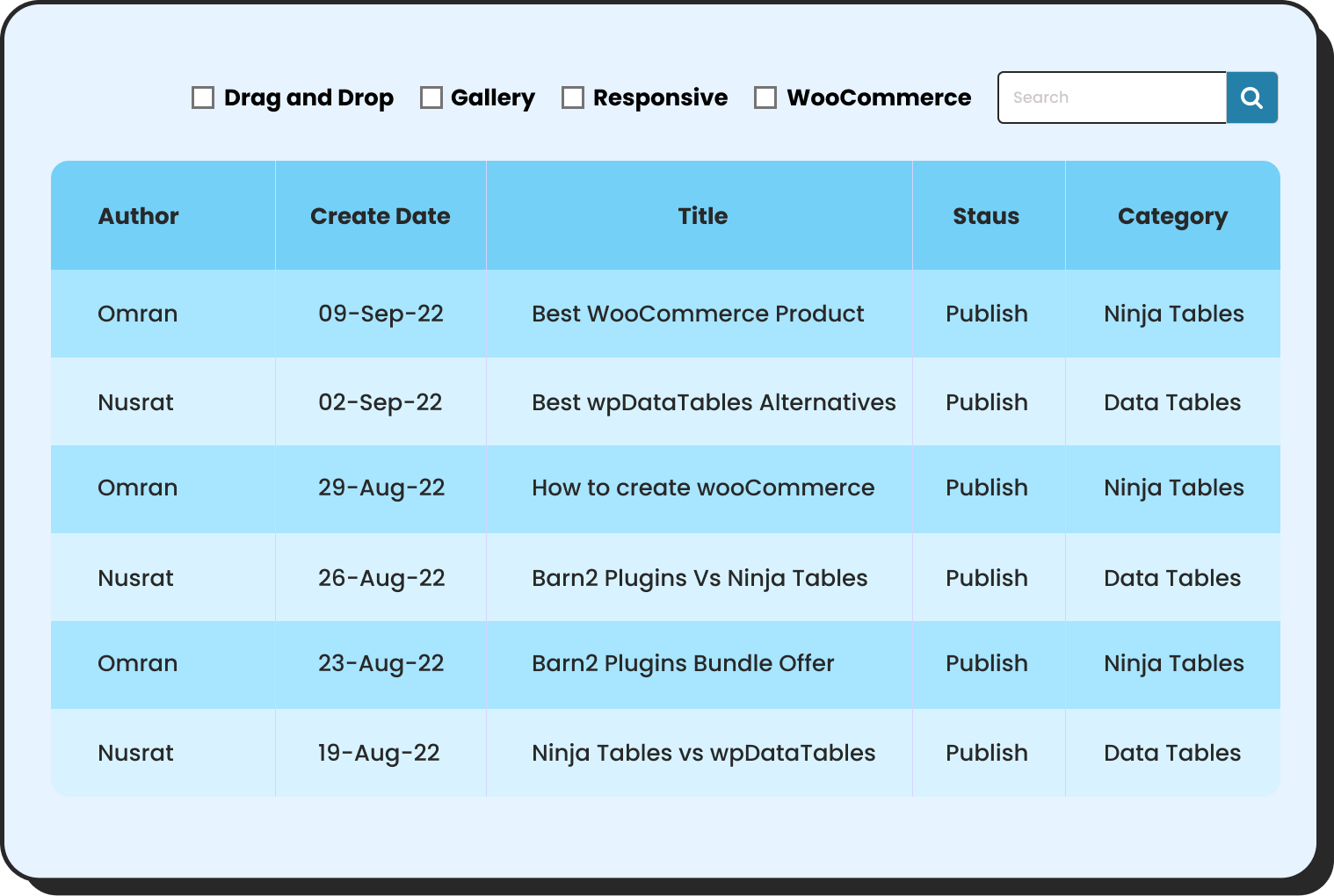
WP Posts
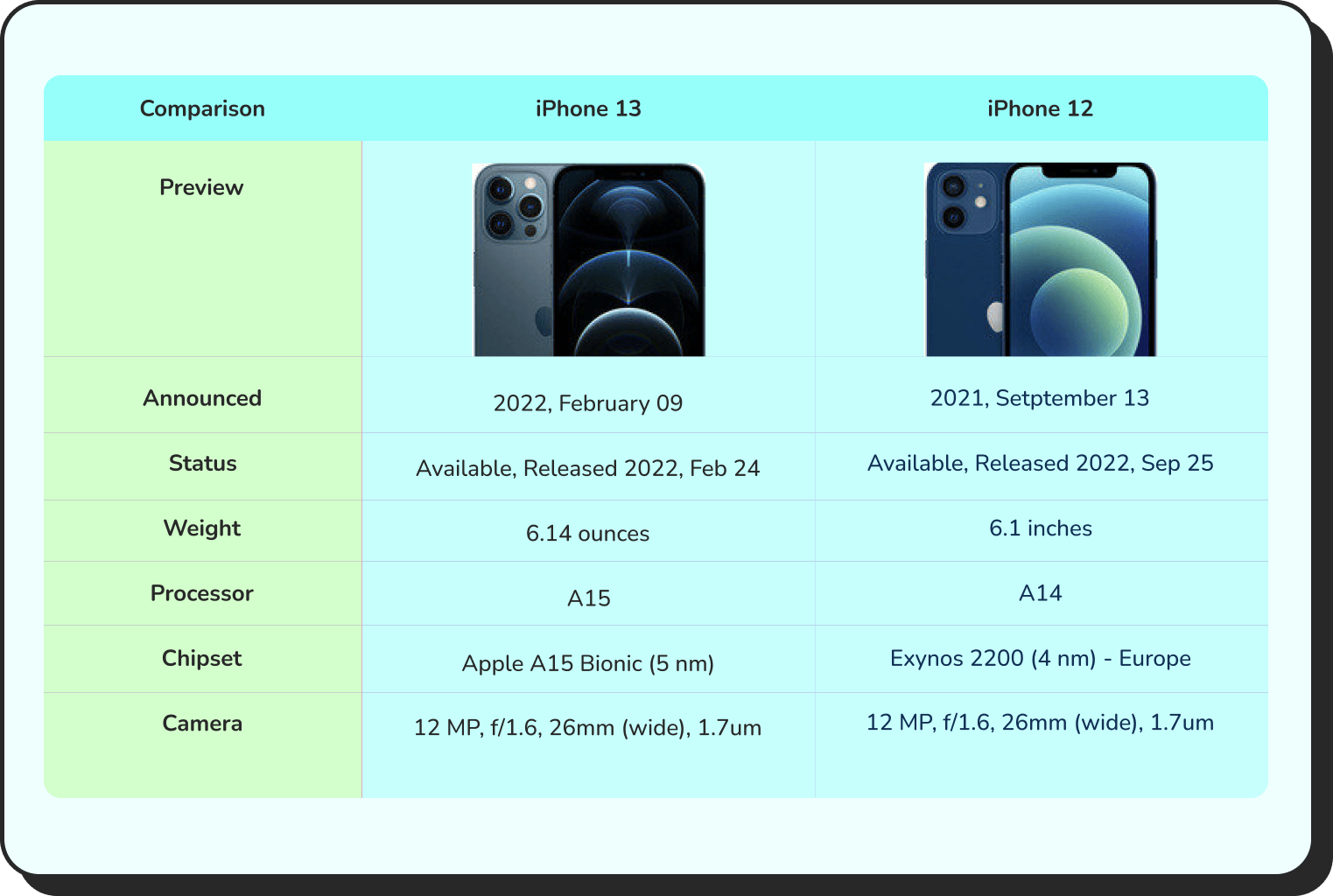
Products Comparison
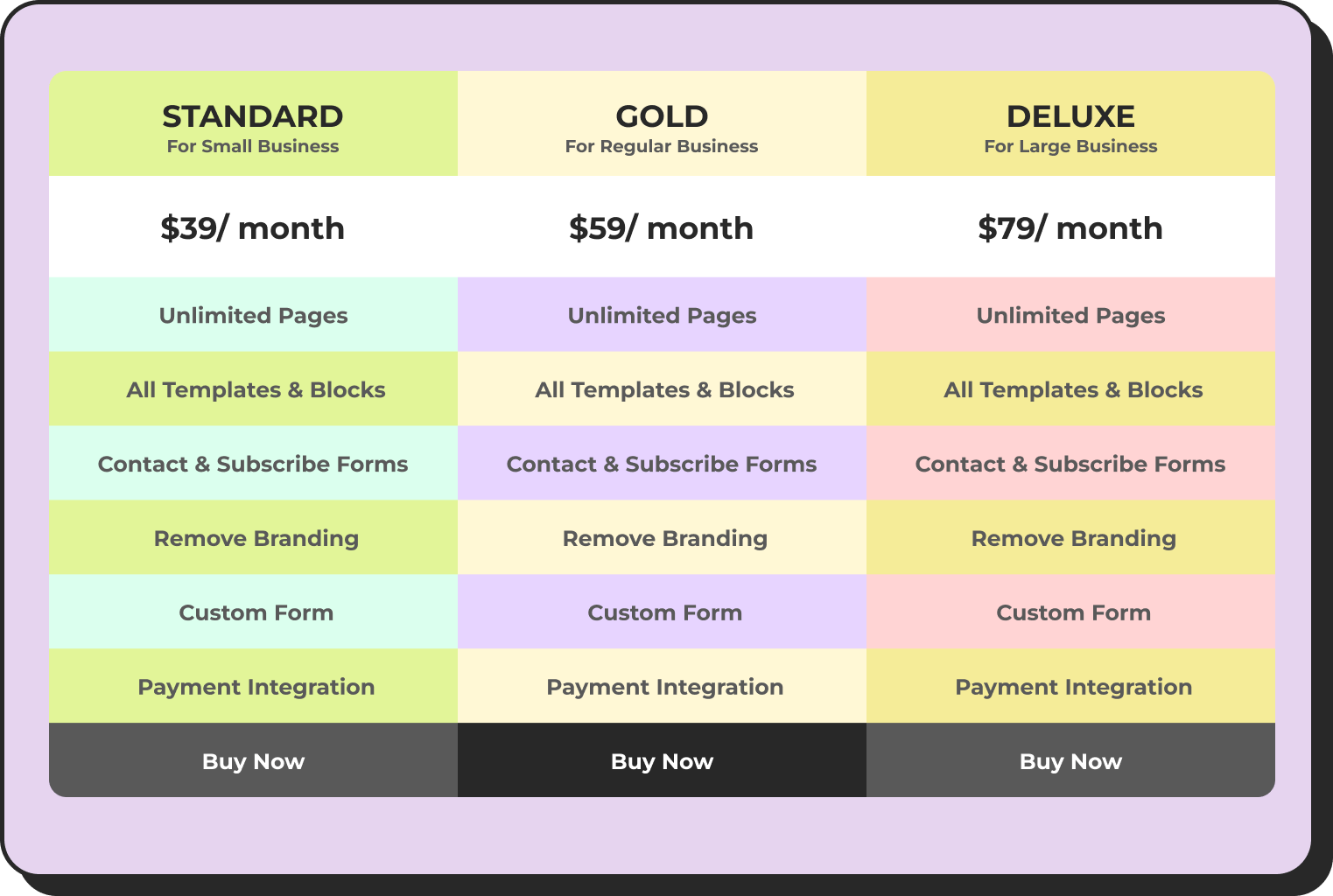
Pricing Table
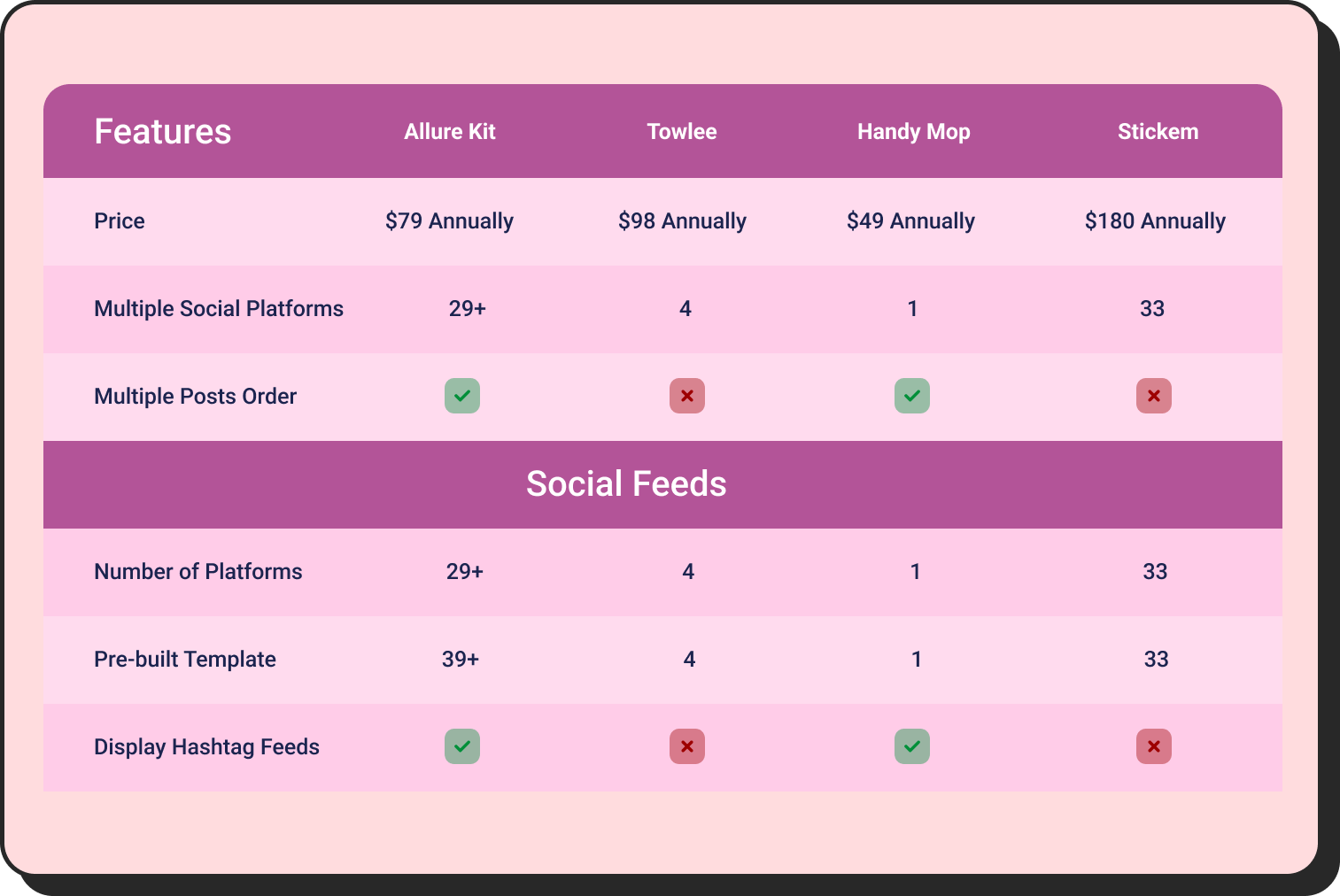
Features Comparison
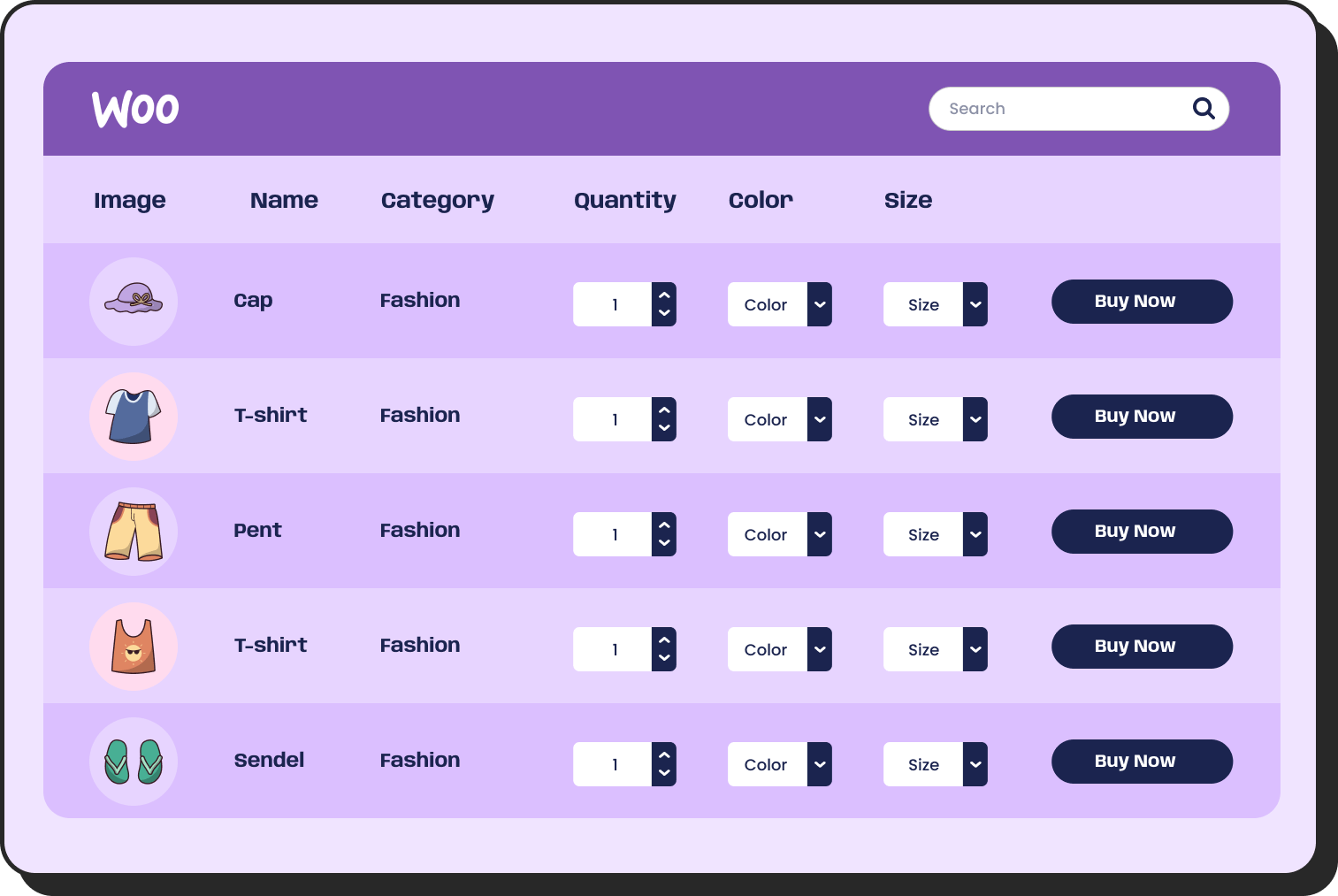
E-Commerce: Real-time product catalogs
For WordPress tables for ecommerce catalogs, the challenge is always scale combined with live inventory. A retailer with 15,000 SKUs needs customers to filter by category, sort by price, and see in-stock status — all without a 10-second page load.
Ninja Tables handles this through AJAX chunk loading and aggressive pagination. The catalog renders the first page instantly. Each filter or sort request fetches only the relevant result set, not the entire catalog. WooCommerce integration pulls product data, inventory status, ratings, and variations directly into the table. The result is a product table that functions more like a filtered search interface than a static list.
| Image | Name | Category | Price | Choose | |
|---|---|---|---|---|---|
 | Blue Hoodie (Zipper) | Hoodies | Original price was: $40.00.$35.00Current price is: $35.00. | | |
 | Hat | Hat | Original price was: $20.00.$15.00Current price is: $15.00. | | |
 | T Shirt | Half sleeve | $45.00 | | |
 | T-Shirt with Logo | Tshirts | Original price was: $10.00.$8.00Current price is: $8.00. | | |
 | Beanie with Logo | Accessories | Original price was: $20.00.$18.00Current price is: $18.00. | | |
 | T-Shirt | Tshirts | $18.00 | | |
 | Long Sleeve Tee | Tshirts | $25.00 | | |
 | Polo | Tshirts | $20.00 | | |
 | Hoodie with Logo | Hoodies | $45.00 | | |
 | Hoodie with Pocket | Hoodies | Original price was: $45.00.$35.00Current price is: $35.00. | | |
 | Hoodie with Zipper | Hoodies | $45.00 | | |
 | Beanie | Accessories | Original price was: $20.00.$18.00Current price is: $18.00. | | |
 | Belt | Accessories | Original price was: $65.00.$55.00Current price is: $55.00. | | |
 | Cap | Accessories | Original price was: $18.00.$16.00Current price is: $16.00. | | |
 | Sunglasses | Accessories | $90.00 | | |
 | Tank Top | Tanktop | Original price was: $45.00.$40.00Current price is: $40.00. | |
Finance: Dynamic financial reporting dashboards
WordPress tables for financial reporting have specific requirements: precision, security, and controlled access. Finance teams need to pull quarterly figures, budget vs. actuals, and regional breakdowns into a format their stakeholders can interact with — without giving everyone direct database access.
Ninja Tables handles this through conditional display logic, role-based visibility (show certain columns only to users with specific WordPress roles), and Custom SQL integration for teams with data in purpose-built database tables. The result is a self-service dashboard that finance teams can actually use without filing an IT ticket every time they need a new view.
2026 | 2027 | ||||||
Jan | Feb | Mar | Q2 | Q3 | Q4 | FY | |
Cumulative seats | 0 | 0 | 61 | 594 | 1240 | 2117 | $822 |
End of period | $0 | $0 | $13 | $121 | $464 | $2039 | $850 |
Growth % | 0% | 0% | 282% | 339% | |||
Revenue* | $0 | $9 | $15 | $64 | $133 | $345 | $566 |
Cost of sales* | $1 | $3 | $3 | $31 | $45 | $72 | $15 |
Gross profit* | -$1 | $7 | $11 | $33 | $88 | $273 | $411 |
Gross margin % | 51% | 66% | 79% | 73% | |||
Earning before interest & tax | -$29 | -$29 | -$31 | -$152 | -$195 | -$54 | -$491 |
Financial plan | www.weekly.io | 523-345-7842 | |||||
Marketing: Campaign performance tracking and lead tables
Marketing performance tables WordPress use cases typically involve data from multiple sources. Ninja Tables’ Fluent Forms integration allows marketing ops teams to pull lead and submission data directly into a unified table view — filter by form, date range, or custom field. Sort by any column. Export to CSV for deeper analysis. All within a WordPress-native interface that non-technical team members can actually navigate.
| KPI Category | Metric | Target | Current | % Achieved | Status | Notes |
|---|---|---|---|---|---|---|
| Traffic & SEO | Total Website Visitors | 100,000 | 78,560 | 78.60% | Below | Needs stronger SEO/content push |
| Organic Traffic Share | 60% | 52% | 86.70% | At Risk | Optimize blog & backlinks | |
| Bounce Rate | ≤ 45% | 50.20% | N/A | Below | Improve landing UX | |
| Leads & Conversions | Lead Conversion Rate | 4.50% | 3.80% | 84.40% | At Risk | Test better CTAs/forms |
| Total Leads Captured | 1,500 | 1,320 | 88% | At Risk | Promote lead magnets | |
| Sales Metrics | Qualified Leads | 1,000 | 900 | 90% | At Risk | Better CRM follow-up |
| Closed Deals | 300 | 265 | 88.30% | At Risk | Deal stage review needed | |
| Monthly Recurring Revenue (MRR) | $30,000 | $33,200 | 110.70% | On Track | Great! Expand client pipeline | |
| Customer Success | Customer Satisfaction Score (CSAT) | 90% | 94.20% | 104.60% | On Track | Strong account management |
| Net Promoter Score (NPS) | 70 | 66 | 94.30% | At Risk | Follow up on detractors | |
| Operations | Average Response Time (support) | ≤ 2 hrs | 1.8 hrs | N/A | On Track | Efficient support |
| Project Delivery Rate (on-time %) | 95% | 91% | 95.80% | On Track | Just keep tracking |
Whether you’re publishing a business proposal or a detailed marketing analysis, this type of report table lets you present your data in a way that connects strategy, performance, and business objectives in one clear view.
Marketing Strategy Report | Company: Data: |
Business Summary | |
Lorem ipsum dolor sit amet, consectetur adipiscing elit, sed do eiusmod tempor incididunt ut labore et dolore magna aliqua. | |
Business Initiatives | |
Lorem ipsum dolor sit amet, consectetur adipiscing elit, sed do eiusmod tempor incididunt ut labore et dolore. | |
Target Market | Strategy |
| Lorem ipsum dolor sit amet, consectetur adipiscing elit, sed. |
Budget: | |
HR & Operations: Staff Directory Tables
Large organizations with distributed teams consistently run into the same problem — employee information lives across HR systems, spreadsheets, and outdated intranet pages, and nobody can find who they need quickly. Ninja Tables solves this with a card-based staff directory that turns employee data into a searchable, filterable table your entire organization can use.
Each row surfaces a team member’s name, role, department, contact info, and social profiles. The search bar lets anyone find a colleague by name or department in seconds. For consulting firms, tech companies, and agencies that need to present team credentials to clients — or simply help cross-departmental teams connect — the directory table is one of the highest-utility internal tools you can build on WordPress. Ninja Tables includes a ready-to-import staff directory template to get you started without building from scratch.
You can move beyond traditional grid tables and present your data in a clean, dynamic card view with Ninja Tables’ ready-made free templates.
Jackson Wilde jackson_wilde | Aria Solace solace_aria | Theo Riverstone theo_river |
Jamie Quinn jamie_quinn | Deborah Hill hill_deborah | Nyla Morgan morgan_nyla |


Advanced Tips for Developers and IT Teams
For development and IT teams responsible for implementation and maintenance, here is where Ninja Tables earns deeper trust.
Custom styling without breaking functionality
Custom CSS table WordPress enterprise deployments almost always require branding alignment. Ninja Tables exposes a custom CSS interface that lets your dev team apply brand-specific styles without touching plugin files or risking breakage on updates.
Column widths, font sizing, row hover states, header styling, and responsive breakpoints — all of it is configurable through CSS that lives in your theme or a custom field within the plugin. No need to fork the plugin or maintain custom builds.
Handling multiple users and concurrent interactions
For internal tools and dashboards shared across enterprise teams, concurrent usage is a constant consideration. Client-side table plugins often produce race conditions and stale data states when multiple users interact with a shared view simultaneously.
Ninja Tables’ AJAX-based architecture sidesteps most of these issues by design. Each data request is independent and stateless. No shared JavaScript state can get corrupted by simultaneous interactions, which translates to more predictable behavior under load.
For IT teams managing scalable WordPress tables best practices, this means fewer support tickets and a more reliable experience for every user, regardless of how many people are viewing the table at once.
Best security practices for enterprise
Secure table plugin WordPress enterprise deployments require attention to a few key areas:
Admin access control: Ninja Tables lets you define which WordPress user roles can manage and edit tables in the admin panel. This keeps table configuration locked down to authorized users, preventing accidental or unauthorized changes to critical dashboards.
Input sanitization: All search and filter inputs are sanitized server-side before being processed. Ninja Tables has shipped multiple dedicated sanitization improvements across its changelog — including hardened data sanitization (v4.1.9), improved frontend editing sanitization (v4.1.11), and tightened REST API and OrderBy sanitization specifically to close potential SQL injection vectors. The result: no raw SQL exposure from the table interface, and user-supplied input never reaches the database unvalidated.
Performance tweaks for enterprise-scale usage
For teams pushing Ninja Tables to its limits, a few performance optimizations consistently make a measurable difference:
- Enable object caching (Redis or Memcached). AJAX data requests benefit significantly from cached query results, especially for Custom SQL-backed tables.
- Use WordPress transients for external data feeds. A 60-second cache reduces load without meaningfully impacting freshness.
- Index your database columns. Ensure columns used in sorting and filtering have proper indexes.
- Paginate aggressively. Default to 25-50 rows per page. Smaller page sizes improve perceived performance significantly.
- Lazy load off-screen tables. Ninja Tables supports deferred initialization, so tables below the fold do not block initial page render.
Conclusion
Enterprise WordPress tables fail for a predictable set of reasons: too much data loaded at once, no reliable way to connect external sources, and no performance headroom when multiple teams hit the same table simultaneously. Ninja Tables addresses all three. AJAX chunk loading and smart pagination keep large datasets fast and responsive. Native connectors for Google Sheets, CSV feeds, Custom SQL, WooCommerce, and Fluent Forms cover the most common enterprise data pipelines without third-party middleware. And for dev teams, the plugin exposes enough configuration — custom CSS, object caching compatibility, deferred initialization, role-based admin controls — to build on without fighting the tool. Whether the use case is a product catalog, a financial dashboard, a staff directory, or a property listing, the same plugin handles it cleanly at scale.
Explore Ninja Tables today — see the full feature set, request a demo, or start a free trial. If your team is managing large datasets, live dashboards, or mission-critical reporting, this is the table plugin your stack has been missing.

Ninja Tables– Easiest Table Plugin in WordPress






Add your first comment to this post